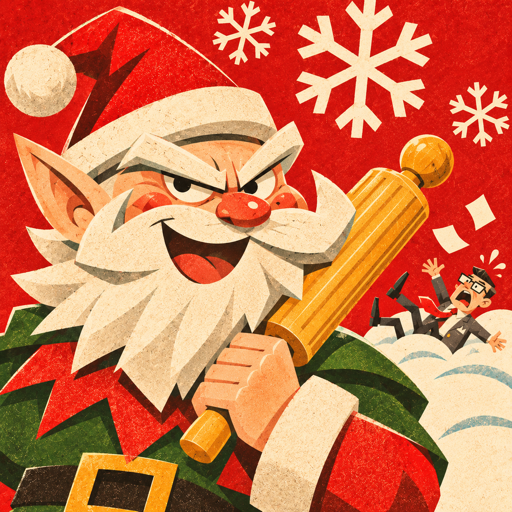
 North Pole Invasion
Support
Help with North Pole Invasion.
How do I play?
Tap Play, pick a level on the world map, choose your towers and tap Start Battle. Tap a build spot to place a tower and tap a tower to upgrade or sell it. Call the next wave early for a bonus.
How do specializations work?
A tower at level 3 can become one of two specializations. The choice is for that tower in that battle.
How do I move my soldiers?
Select the Snowball Fort, tap Rally, then tap any point inside the fort's circle.
What are Heroic and Iron?
Extra challenges for a level you have already won. Tap the level on the world map to see its card.
Why are some Advent doors locked?
One door opens each day from December 1 to 24, by the date on your device.
What are the Mac controls?
Click to select and build, right click or Esc to cancel, scroll or pinch to zoom, drag to pan. Keys: 1 to 5 build, U upgrade, S sell, R rally, H hero, Q Reindeer Charge, W Present Drop, Space next wave, F fast, P pause.
How do I start over?
Open Settings and choose Reset All Progress. It erases stars, unlocks, hero progress and Advent doors and keeps your sound and difficulty settings.
Is my progress saved?
Yes, on your device, automatically. Deleting the app erases it. The game has no accounts and no cloud save.
Does it need the internet?
No. The game plays fully offline and has no ads and no in-app purchases.
Contact
Found a bug or have a question? Email thaleapps@gmail.com. If you are reporting a problem, please include your device model and its iOS, iPadOS or macOS version.